The Forge Blog
Pre-Trip Inspection Checklist: Know What to Fix Before You Roll
A pre-trip inspection checklist that scores your Yes, No and Not sure answers and names what to fix before you roll, with every assumption shown.
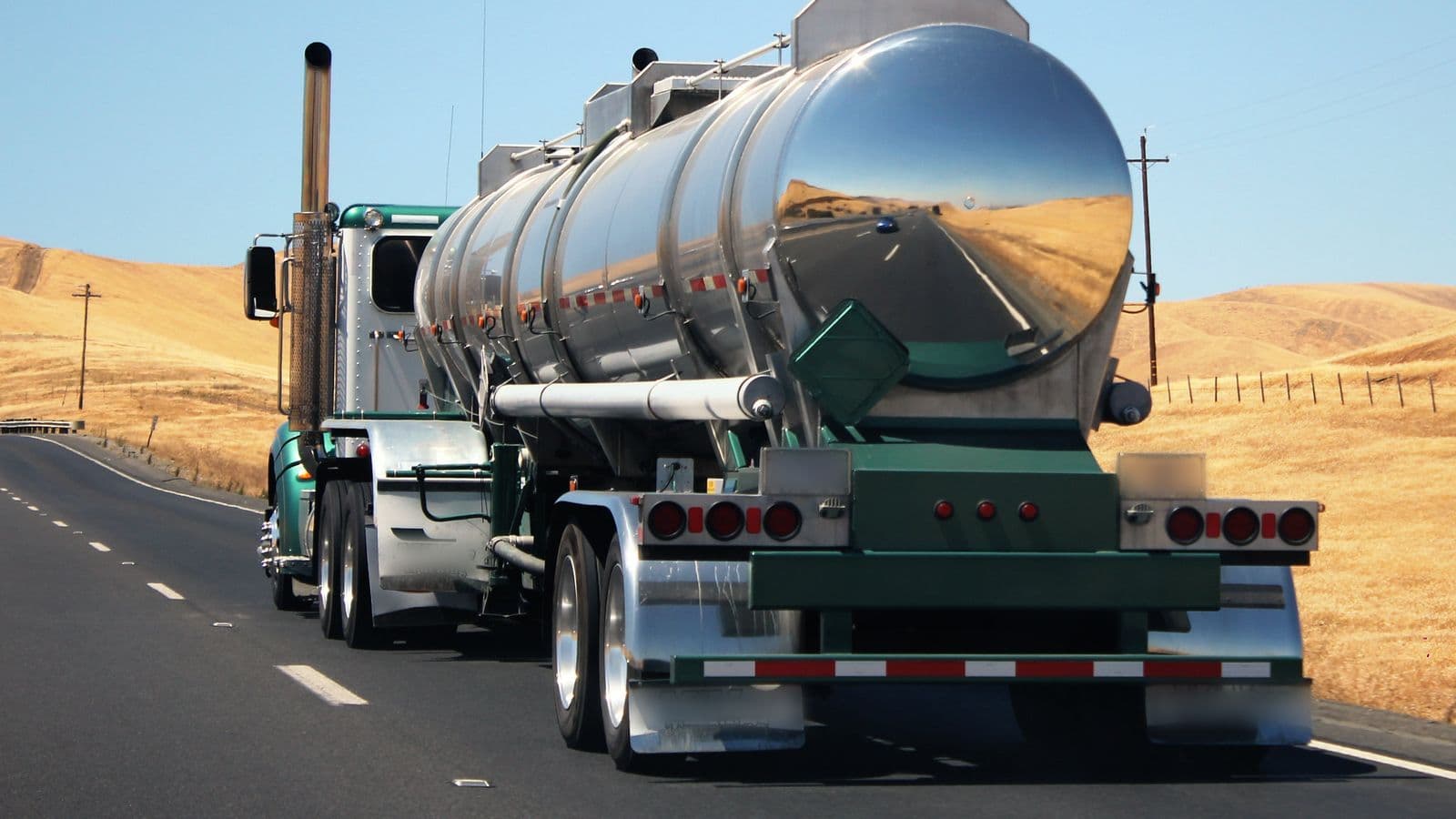
You want to leave the yard on time, with a truck that won't get you stopped at the first scale house, and with paperwork that holds up if anyone asks. A pre-trip inspection checklist is how you get all three. Most drivers know the walk-around by heart. The hard part is the call at the end of it: a light that flickered, a strap you didn't look at closely, a slack adjuster you aren't sure about. Do you roll, write it up, or stay put? This guide walks through that decision and shows how a small tool can make it the same, clear call every morning.
The decision behind the walk-around
Federal rules put the pre-trip decision on you. Before driving, a driver has to be satisfied that the vehicle is in safe operating condition, review the last driver vehicle inspection report, and sign it if it listed defects (49 CFR 396.13). A vehicle may not be driven in a condition likely to cause a crash or a breakdown (49 CFR 396.7). At the end of the day, the driver vehicle inspection report, or DVIR, records what was found and who certified the repair (49 CFR 396.11).
So the checklist isn't the goal. The goal is a clear answer to one question: is this truck fit to go right now, and if not, what has to happen first? That's the use barrier for AI and software in trucking. "Use AI on the road" means nothing. "Help me make the go or no-go call after my pre-trip, the same way every time" is a job a tool can do well. It's the same pattern we see across AI for traditional industries: start from one decision a person makes every day.
What the Pre-trip inspection check asks you
Forge's Pre-trip inspection check is a short checklist of ten items. Each one is answered Yes, No or Not sure:
- Air brakes: build-up, leak-down and low-air warning OK
- Slack adjusters and pushrod stroke within limits
- Tires: tread depth, inflation, no cuts or bulges
- Headlamps, brake, turn and marker lights work
- Fifth wheel locked, kingpin engaged, air and electrical lines secure
- Steering free play within limits, no leaks
- Mirrors, windshield and wipers in good condition
- Fire extinguisher and warning triangles on board
- Load secured and doors or tarps closed
- ELD working, registration, insurance and shipping papers on board
Each item carries a short hint. The tire line, for example, reminds you of the tread minimums: 4/32 in on steer tires and 2/32 in on the others (49 CFR 393.75). The load item starts at "Not sure" on purpose, so you have to look before you call it secure.
"Not sure" is an honest answer, and the tool treats it as one. It doesn't round it up to a Yes.

How the tool scores your answers
When you press Score, the tool does simple, visible math. There's no hidden model deciding whether your truck is safe.
- The score. Yes counts 1, Not sure counts 0.5 and No counts 0. The score is your total as a share of the maximum, shown out of 100. The pass mark is 95.
- The critical items. Three items are marked critical: the air brakes, the slack adjusters and the coupling. If any of them is No or Not sure, the verdict is "Stop: a critical item is not confirmed", whatever the score says.
- The verdict. With no critical item open, you get "Pass" at 95 or above, or "Needs attention" below it.
- The action list. Every item that isn't a Yes is listed with what to do: "Do not drive; write up and repair" for the brakes, "Re-couple and recheck" for the fifth wheel, "Replace bulbs or fuses before departure" for the lights.
Under the result, the tool prints its assumptions in plain words: how each answer is scored, and that any critical item left open stops the pass. It also states its limit. It is an aid for your inspection, not the DVIR itself, and any defect affecting safe operation must be repaired before driving.
That matters. A number you can't check is a number you can't use. When the scoring rules sit right under the verdict, you can see why the tool said Stop, and you can explain it to dispatch.
From checklist to inspection report
The tool goes one step further than a score. Add the unit number, trailer, odometer, location and time, and it lays out a printable driver vehicle inspection report:
- Each open item, filed under its DVIR heading, such as "Service brakes", "Coupling devices" or "Lighting devices and reflectors".
- Each one marked against the roadside out-of-service criteria published by the Commercial Vehicle Safety Alliance: out of service, do not drive; may be out of service, check against the criteria; or repair, then certify on the report.
- A trip decision in plain words. For a property-carrying truck with no defects, the report notes that no DVIR is required, and you can print it anyway if your carrier keeps one. Passenger carriers still complete and sign a report.
- Signature lines for the driver, the mechanic and the next driver, and a reminder that the carrier keeps the report for three months.
Every rule it uses is listed with a link to its source, so you can read the regulation itself instead of taking the tool's word for it. The CVSA updates its criteria every April 1, so the tool asks you to check you have the current edition.
Make it the same check every trip
The last barrier is consistency. A pre-trip that changes with the weather, the hour or the dispatcher's mood is where defects slip through. The value of a checklist comes from running the same list, the same way, every trip.
The tool is built for that habit. It keeps your recent results on your device, so you can open yesterday's inspection for the same unit before you start today's. If you have an account, you can save a result to My work and pin the tool there, so it's the first thing you open in the morning. If the same item keeps coming up as "Not sure" or "No" week after week, that's useful too: it tells you and your shop what to fix for good. Planners build the same habit at a desk: our guide to reorder point and safety stock re-runs one calculation every week so the numbers stay current.
Here's a simple routine:
- Before the walk-around, open the last report for the unit and sign it if it listed defects.
- Walk around with the lights and flashers on, then check air build-up, leak-down and the low-air warning.
- Answer the ten items honestly. Use Not sure when you are.
- Fix or write up everything on the action list before you roll.
- Save the result, and start tomorrow from it.
This is what we mean by Applied Intelligence in a cab: a tool that sits inside the routine you already run, shows its reasoning, and makes the same call clear every morning.

Your next step
The Pre-trip inspection check is a premium tool. It comes with the truck driver role on Forge, together with the other tools drivers use every week. The tool page shows a worked example, run by the real tool on sample answers, before you open it. If you'd like to start with something open to everyone, the truck driver role's free tool is the Hours-of-service time remaining check.
Open the Pre-trip inspection check, or browse every Forge - Crew toolkit for field and trade work. If you run the fleet rather than drive in it, our post on AI for trucking companies covers the company side, and AI for my work covers other field and trade jobs.
Frequently asked questions
What does a DOT pre-trip inspection require of the driver?
Before driving, the driver has to be satisfied that the vehicle is in safe operating condition, review the last driver vehicle inspection report, and sign it if it listed defects (49 CFR 396.13). A vehicle may not be driven in a condition likely to cause a crash or a breakdown. Read the regulation itself for the full text.
What should a CDL pre-trip inspection checklist include?
A practical checklist covers air brakes, slack adjusters, tires, lights, the fifth wheel and coupling, steering, mirrors and windshield, emergency equipment, load securement, and the ELD and papers on board. Forge's Pre-trip inspection check uses those ten items and treats the air brakes, slack adjusters and coupling as critical, so any open one stops the pass.
Is a pre-trip inspection checklist the same as a DVIR?
No. A checklist helps you make the go or no-go call, while the driver vehicle inspection report, or DVIR, records what was found and who certified the repair. The Pre-trip inspection check is an aid for your inspection, not the DVIR itself, though it can lay out a printable report from your answers.
What should a driver do when unsure about an inspection item?
Mark it "Not sure" and look again before you roll. The Pre-trip inspection check scores Not sure as half a point and never rounds it up to a Yes. If the item is the air brakes, the slack adjusters or the coupling, the verdict is Stop, and any defect affecting safe operation must be repaired before driving.